
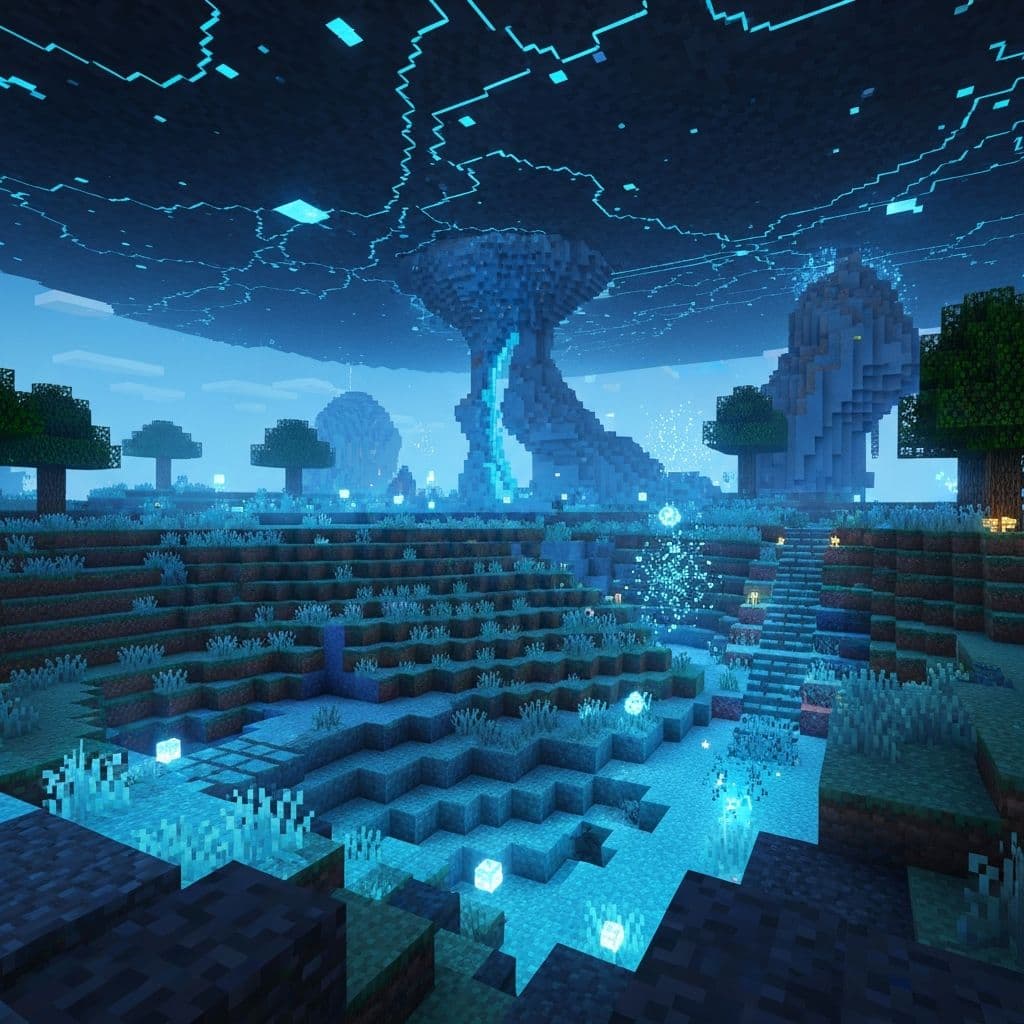
Understanding Bliss Shader GPU Demands
Minecraft Bliss Shader represents one of the most visually impressive shader packs available, delivering stunning graphics through advanced rendering techniques that demand substantial GPU resources. This powerful shader pack implements ray tracing effects, advanced lighting simulations, realistic water reflections, and complex particle effects that transform Minecraft's visual presentation dramatically. However, these visual enhancements require significant computational power, often pushing graphics processors to maximum capacity. Understanding what creates these GPU demands helps players optimize their systems and adjust settings appropriately.
Bliss Shader's advanced features operate simultaneously to create its distinctive visual impact. Global illumination algorithms calculate how light bounces throughout environments realistically. Volumetric clouds render with depth and atmospheric perspective. Water surfaces render with realistic reflections and transparency effects. Foliage undergoes complex rendering calculations. Normal maps, parallax mapping, and texture processing add detail layers. All these processes execute on your GPU simultaneously, consuming processing power rapidly. The cumulative effect creates stunning visuals but demands powerful graphics hardware to maintain playable frame rates.
Identifying GPU Bottlenecks
When GPU usage consistently reaches 100 percent during Minecraft play, your graphics processor is working at maximum capacity with no remaining computational resources. This creates several potential problems. Frame rates may drop below playable levels, creating stuttering or lag that impacts gameplay experience. Shader rendering may prioritize certain effects over others as GPU capacity fills completely. Extreme GPU stress can cause throttling—where graphics processors reduce clock speeds to prevent overheating—paradoxically reducing performance further. Understanding these dynamics helps explain why 100 percent GPU usage creates poor gaming experiences despite seemingly powerful hardware.
High GPU usage during Minecraft play indicates that current settings exceed your hardware's capabilities, a situation exacerbated with Bliss Shader according to optimization guides from Tulu E Biz. The solution involves adjusting shader settings to match your specific GPU capabilities. Different adjustments provide varying performance improvements depending on which shader features consume the most resources on your specific system. Testing systematic changes reveals which settings impact your frame rates most significantly.
Optimization Techniques for Bliss Shader
Shadow quality reduction represents one of the most impactful performance improvements available in Bliss Shader settings. High-resolution dynamic shadows demand substantial GPU resources, and reducing shadow distance, quality, or entirely disabling dynamic shadows provides dramatic GPU usage reduction. Volumetric effects adjustments similarly reduce demands—volumetric clouds, volumetric lighting, and atmospheric fog effects all consume GPU resources substantially. Disabling or reducing these effects improves performance significantly. Reflection quality settings allow reducing water and block reflections that demand considerable GPU calculation.
Particle effect adjustments provide additional optimization opportunities without eliminating visual appeal entirely. Reducing particle count, particle render distance, or particle effect complexity improves performance. Water quality and detail level adjustments impact GPU demands—simpler water rendering algorithms consume fewer resources. Render distance adjustments affect both CPU and GPU demands, with reduced render distances improving performance substantially. Texture resolution selection impacts VRAM usage and processing demands—lower texture resolution shader packs perform better than ultra-high-resolution alternatives. Systematic testing of these adjustments reveals the optimal balance between visual quality and performance for your specific GPU.
Enjoyed this article? Share it with others!